

Epic Systems
Connecting your Epic system to Knack Flows allows you to securely send data from Dr Chrono to your Knack apps.
Setting up the Epic connection in Knack flows
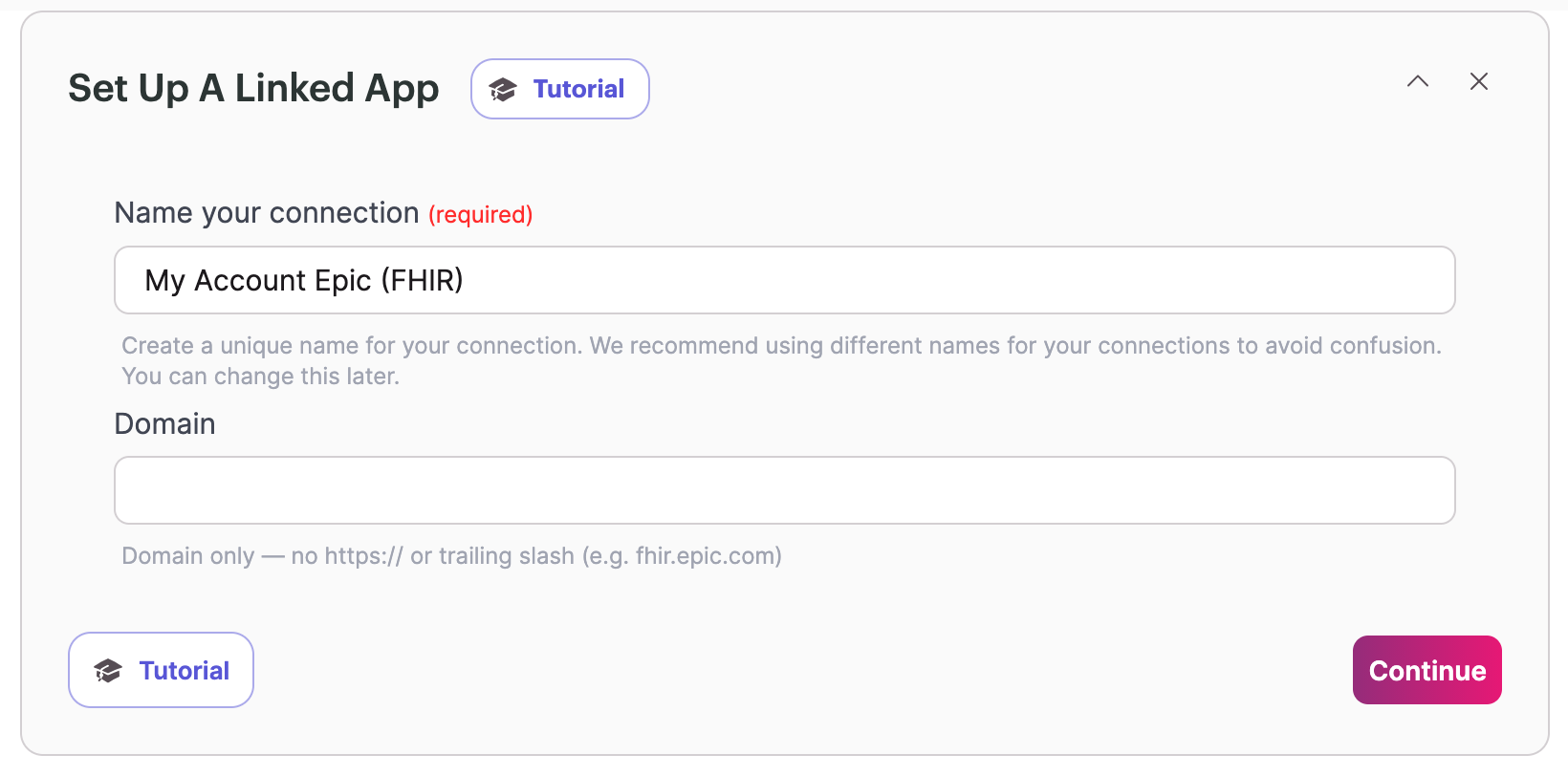
To set up your Epic connection, you will need to grant access to our technology partner in your Epic System:
- First you will need to add the domain of your EPIC system is running on so we can connect to it. Then hit Contenue.
- Then hit the Grant Access button.
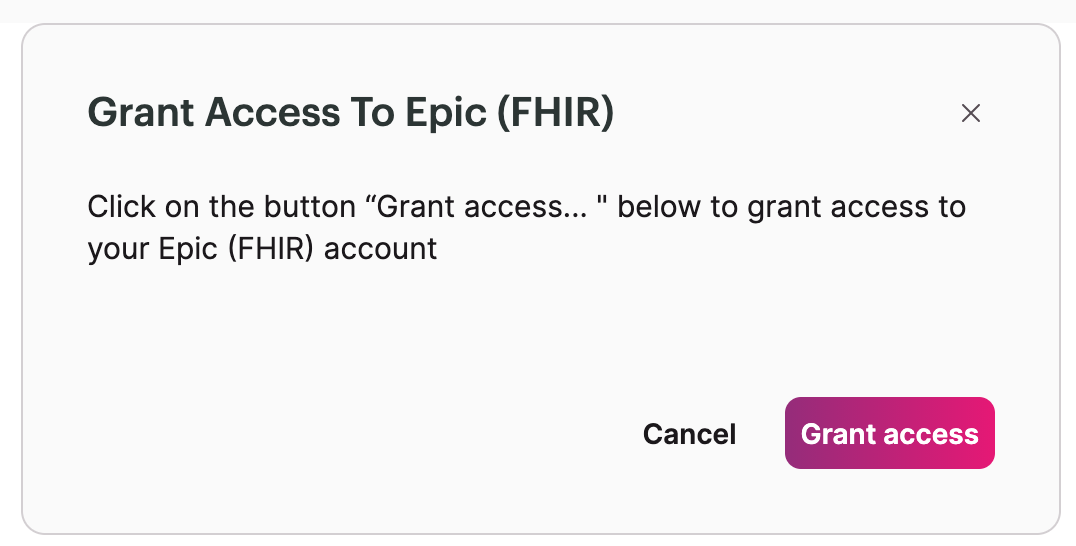
- This will then request you to log in if not done so already and authenticate with your system using OAuth2.
- Once the authentication is complete, you can set up your flow.
Want to see an action, trigger, or connection added?
We are constantly looking to improve flows. If you have feedback on the functionality, actions, triggers, or connections. You are welcome to submit feedback to our product team here.
Updated 9 days ago
Did this page help you?