

About Knack Accounts
Learn how to create a Knack account, what's included during the trial, how to purchase a plan, and how account data, backups, and restores work.
What You'll Learn
This article covers how to create a Knack account, what's available during your free trial, how to purchase a plan, and how Knack handles account data including record history, backups, and restores.
Creating an Account
The first step is to create a Knack account so you can start building your online database or web application.
Head to the Knack signup page and fill out the account registration form.
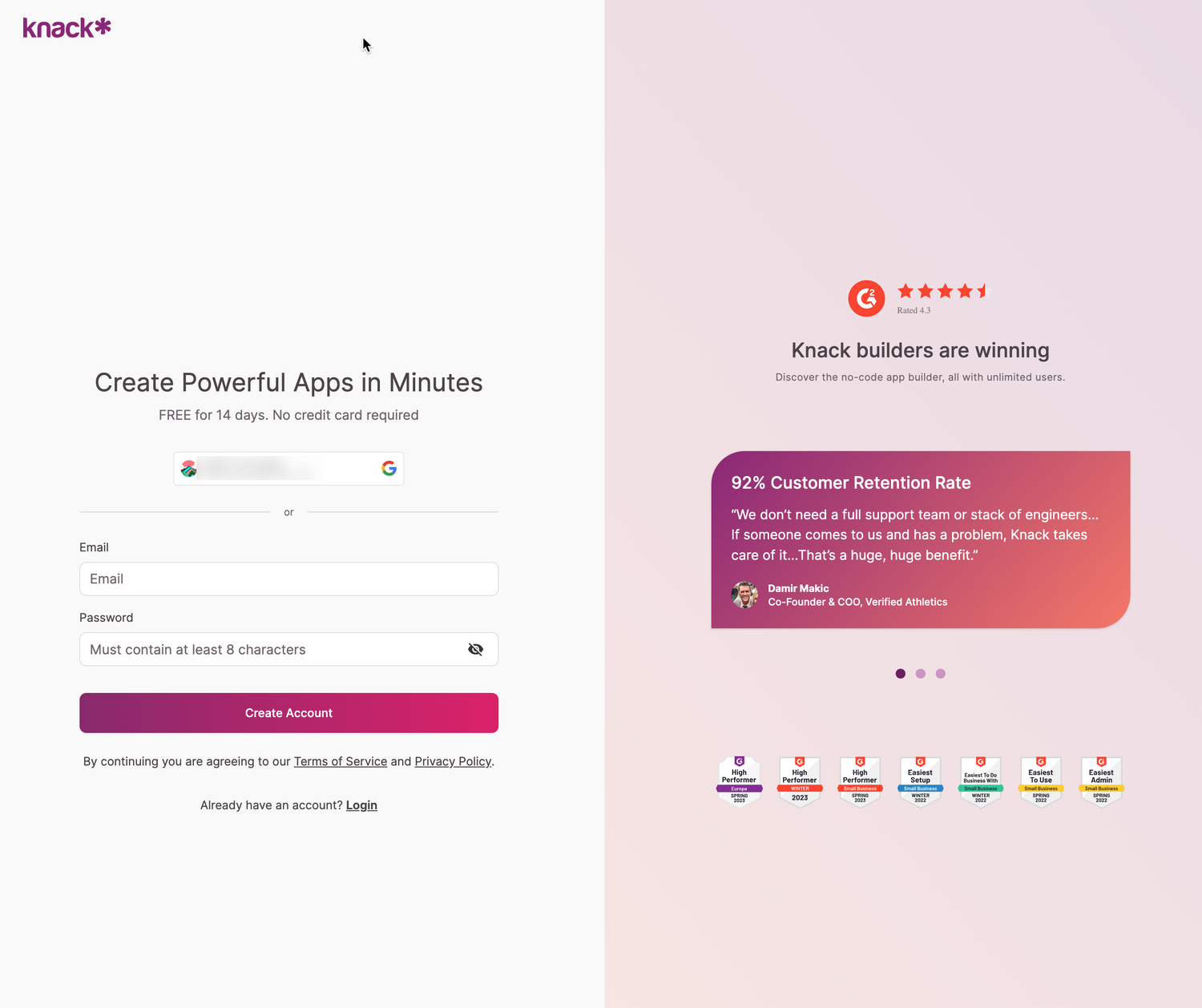
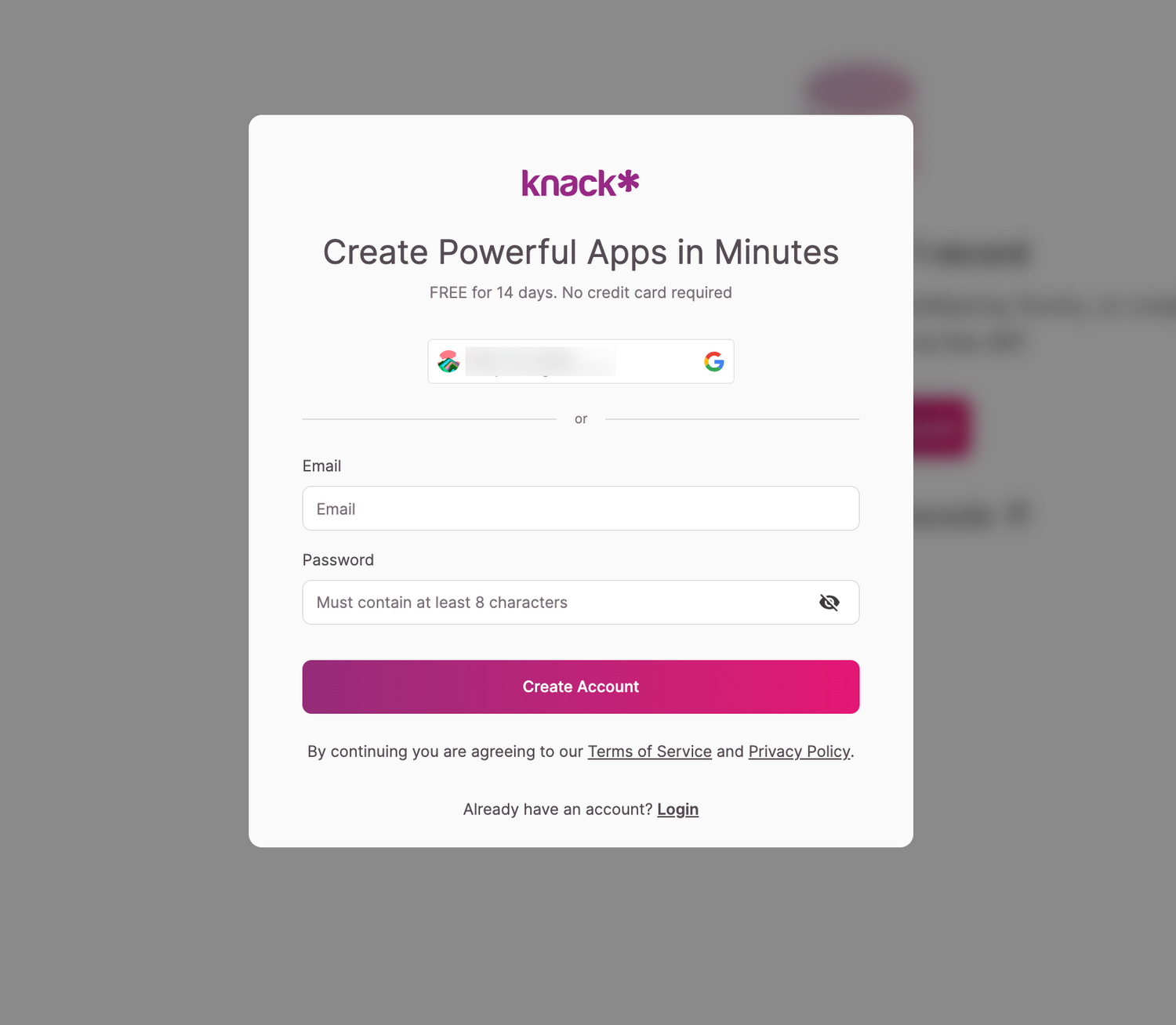
You'll be asked to provide:
- A valid email address
- A password (minimum 8 characters)
Trial Period: During the 14-day trial, you can freely explore the Knack platform. No credit card is required to start.
Limitations During the Trial
The free trial gives you access to most features, but a few have limits or aren't available until you upgrade.
All Starter Plan features are included during the trial unless noted below:
- Maps and Geo-Location: Available during the trial but require a Pro plan or above to keep using.
- E-Commerce: Available in test mode only.
- Scheduled Tasks: Unavailable during the trial.
- Emails: Email Rules are visible in the Builder, but emails won't be delivered during the trial.
- Record History: Unavailable.
- IP Blocking: Unavailable.
- Import Size Limits: Limited to 10,000 records across all tables and apps. Data files cannot exceed 250 MB.
- API Increase Requests: Unavailable. Trials are capped at 1,000 API requests per day.
Trial Data Retention: After 90 days, all data uploaded into a trial account will be permanently deleted and cannot be recovered. Upgrade to a paid plan before this period ends if you want to keep your data.
Purchasing a Plan
When the trial ends, you'll need to purchase a plan to keep using your applications.
To upgrade to a monthly or annual subscription, visit the billing tab in your dashboard.
You'll need a valid credit card to complete the upgrade. Knack accepts:
- Visa
- MasterCard
- American Express
- JCB
- Discover
- Diners Club
Billing Note: Your credit card will be charged when you upgrade from your trial and on a monthly or annual basis going forward, depending on the plan you choose.
Terms of Use
Knack publishes a full Terms of Use document. Below are answers to questions we get most often.
Can I sell apps that I create with Knack?
Yes. Many customers build custom apps for their clients or charge users to access the apps they build.
How do I cancel my account?
In your account dashboard, use the Delete Account option in Critical Actions to close and completely remove your account.
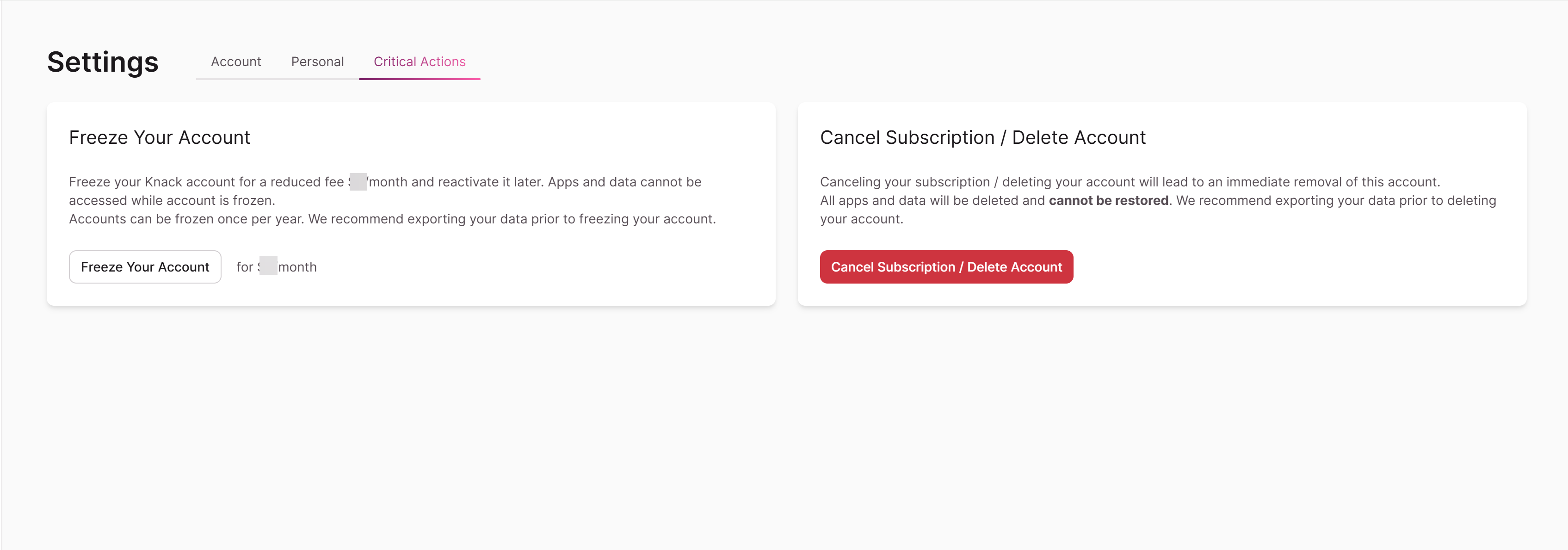
This cannot be undone. Deleting your account permanently removes all apps, data, and assets associated with it.
Can I place my account on hold?
Yes. You can freeze your account once per year at a reduced monthly rate. You won't have access to your apps while the account is frozen.
Can I pay with a check?
You can pay with a check if you're purchasing an Annual Corporate or Enterprise subscription. Submit a request and an invoice will be issued before the account becomes active.
How do I copy my app to another account?
You must submit a formal request to transfer your app. The account holder must be in good standing and authorize the transfer.
How do we gain access to a company account that a former employee created?
First, attempt a password reset using the company email address on file.
If a reset isn't possible, you'll need to provide the last 4 digits of the credit card on file, the expiration date, and the security code to verify ownership.
For the full process, see Need account access or to transfer account access because account owner or colleague left the company.
Record History, Backups, and Restore Options
Knack app data and structure are backed up regularly and can be restored if tables, records, fields, pages, views, or rules are accidentally deleted.
Record History
When enabled, a record version is captured every time a record is created, updated, or deleted. These versions can be used to restore your data to a specific point in time. After the retention period lapses, older versions are deleted.
The most recent version of every record is stored regardless of retention policy.
Retention by plan:
- Starter: Not available
- Pro: 1 month
- Corporate: 2 months
- Plus: 3 months
- Enterprise: 3 months
- HIPAA: 3 months
App Deletion: When an app is deleted, all application data (including record history and customer-uploaded assets) is removed. Backups are available for up to 28 days, after which the data is permanently deleted.
Account Deletion: When an account is deleted, whether manually or automatically due to delinquency, all associated apps are also deleted. The same 28-day backup window applies before permanent removal.
Starter Plan Backups: While the record history feature isn't available on the Starter plan, application data is still backed up and can be restored for up to 14 days.
App Structure
App structure restores work differently from record restores. Versions aren't captured every time you make a change. Instead, your app structure is backed up every 12 hours, at 7 AM and 7 PM GMT.
Restores
If you need to restore database records or app structure, Knack can fulfill the request as long as the record history or schema backup is still available based on the retention policy above.
Restores typically require 1 to 3 hours of manual work. Processing time to complete the full restore may take longer.
Deleted Apps: Deleted apps, their data, and their assets are retained on Knack's servers for 28 days.
Pricing
Restores cost $100 per hour for accounts on the Starter and Pro plans. There is a one-hour minimum charge. Restores are included at no cost on Corporate, Plus, and HIPAA plans.
Trial Limitation: Restores are not available during the trial period. For full plan pricing, see the Knack pricing page.
Restoration Process
To request a restore:
- Contact [email protected] by email or submit the support form.
- The support team will confirm your request and outline next steps.
- You'll be asked to authorize a $100 charge for the first hour (one-hour minimum).
- Once payment is processed, the restoration begins.
- You'll be notified when the restore is complete, and any remaining balance will be charged. You're only billed for the time to prepare the restore, not for the time the system takes to process it.
- Confirm the state of your restore.
HIPAA Plans: Backup restores are included at no charge on HIPAA plans. Data, including backups, is still removed 28 days after deletion. If the issue occurred outside that window, no backup will be available to restore.
Next Steps
- See Working with Records for details on how record history works inside your app.
- See How do I copy an app from my account to another account? for the full app transfer process.
- See Need account access or to transfer account access for steps to recover access to a company account.
Updated 3 days ago