

Previewing Your Theme in the Live App
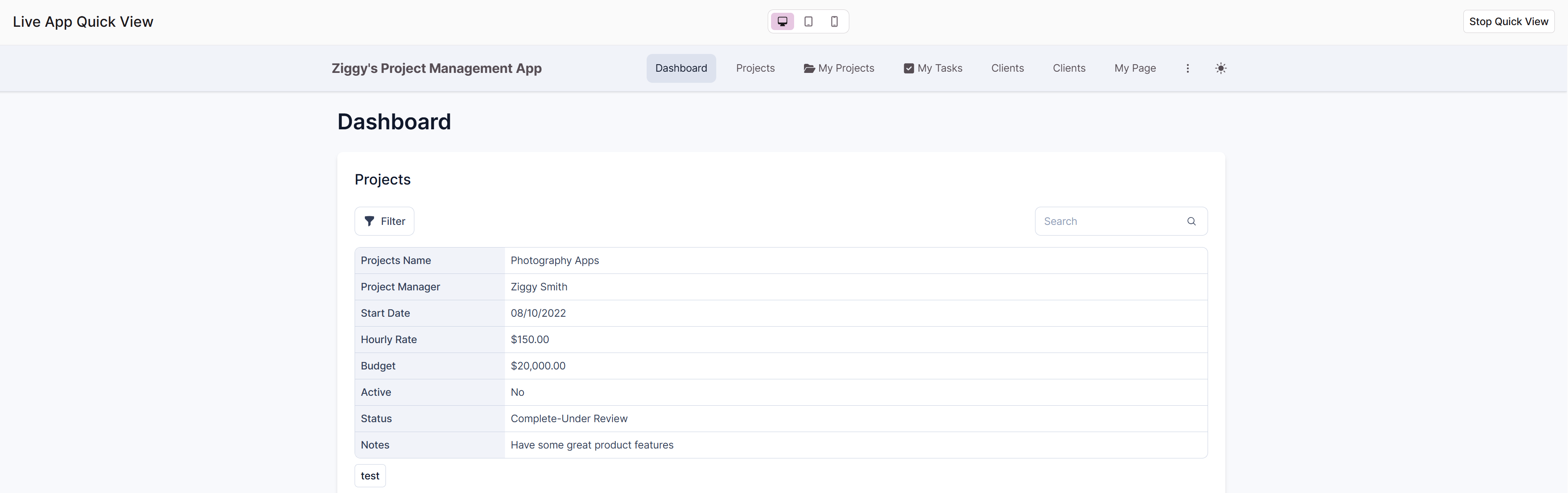
Want to see exactly how your theme changes will look in the actual app before committing? Click the Quick View button in the Theme Builder to open a live preview of your app with the current theme applied, even if you haven't saved your changes yet. This lets you test your color choices, fonts, and layout settings in the context of your real pages and data, making it easier to catch issues or refine your design before going live. Simply close the Quick View when you're done to return to editing.
Updated 9 months ago
Did this page help you?