

Right Panel Tools
The right panel in Builder provides essential tools for managing connections, automation, rules, and data structure. This panel adapts to your current context and offers different functionality depending on what you're working with.
What You'll Learn
In this article, you'll discover how to access and navigate the right panel interface, understand each of the available tools and their specific purposes, learn when each tool is most appropriate to use, and see how these tools work together to enhance your application's functionality and data management.
About the Right Panel
Accessing the Panel
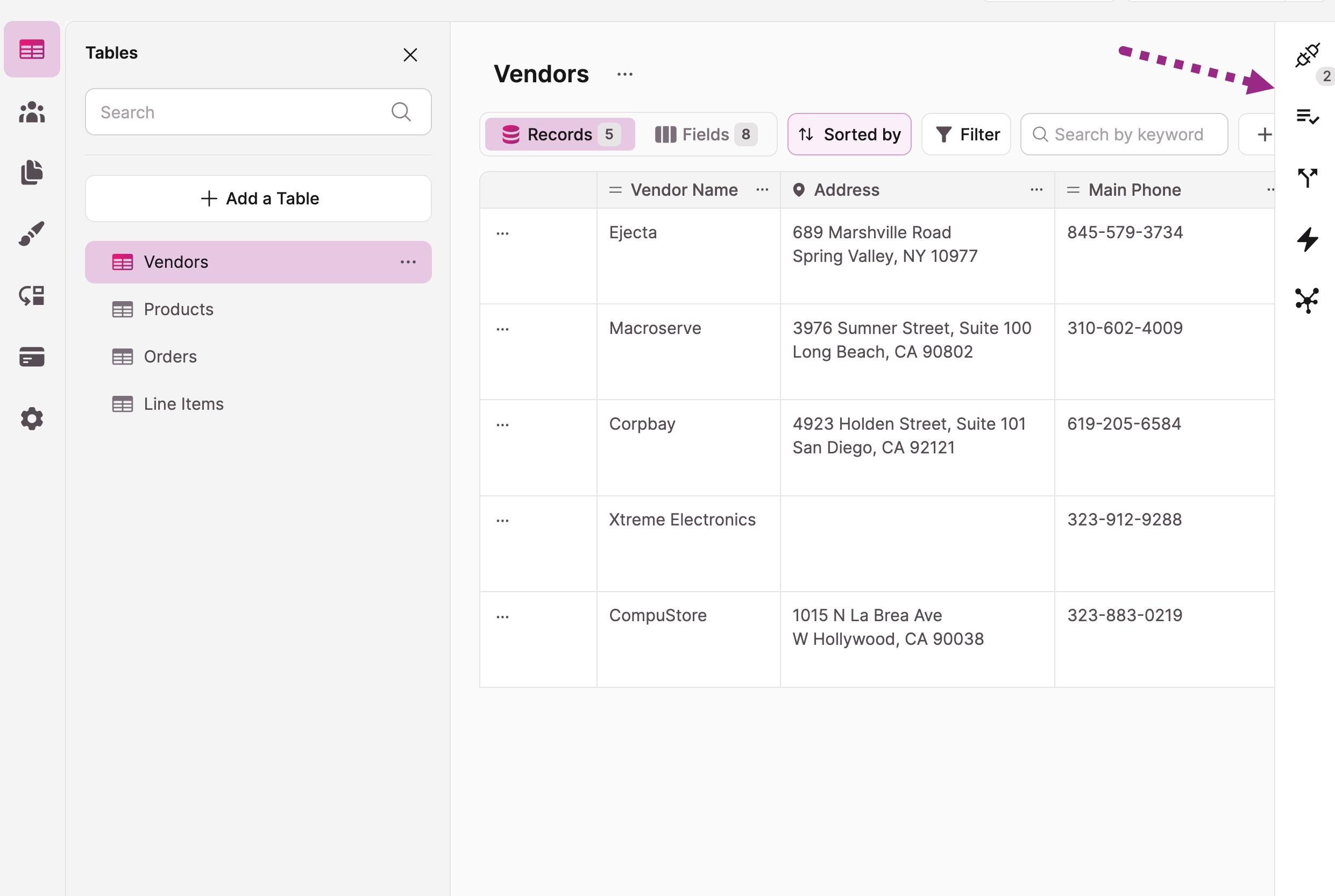
- Select a table in the Builder
- Look for the panel on the right side
- Use the icons to switch between tools
Available Tools
Connections
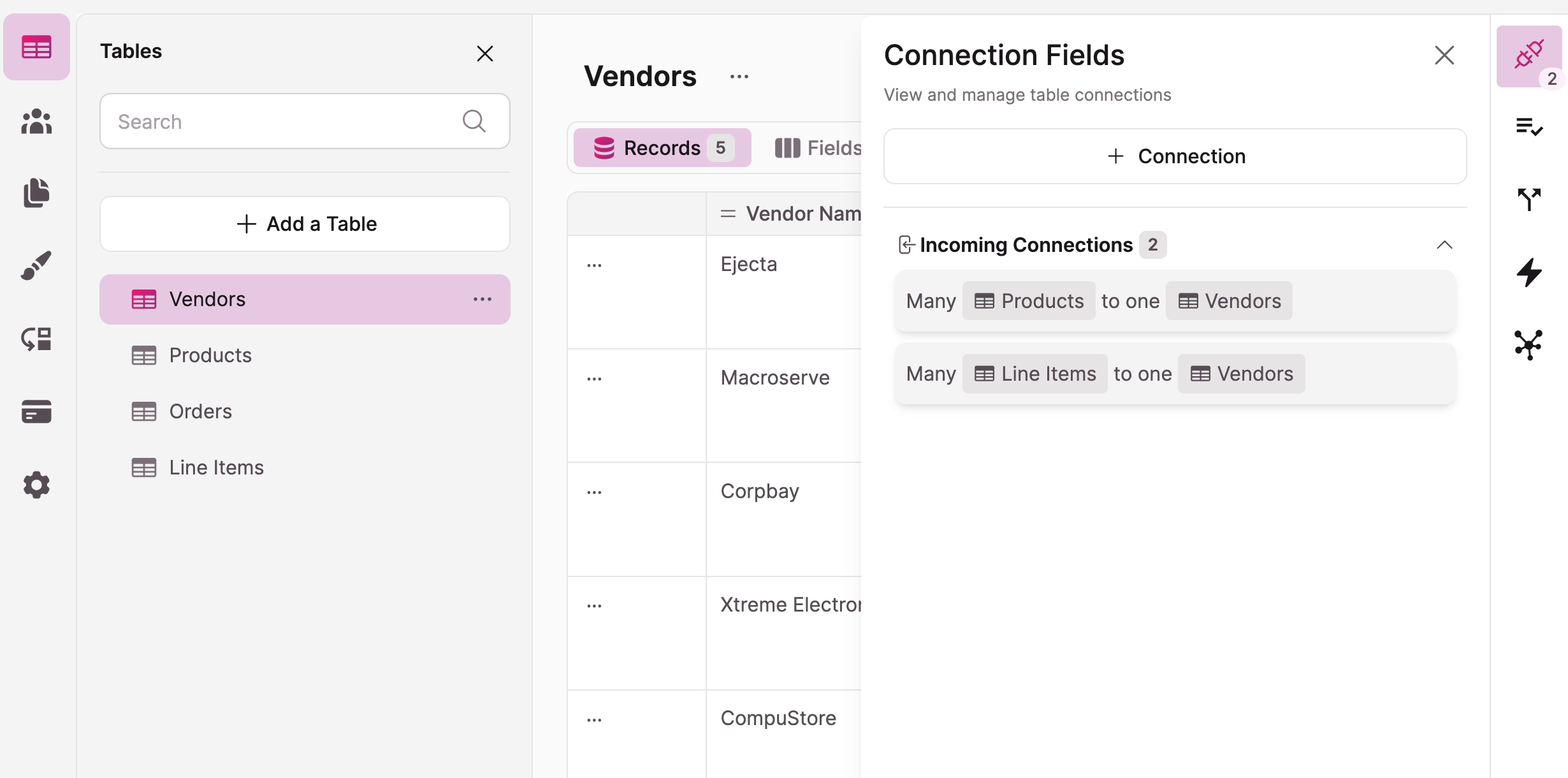
- Link information between tables
- Create relationships
- Set up lookups
- Enable record selection display
Conditional and Validation Rules
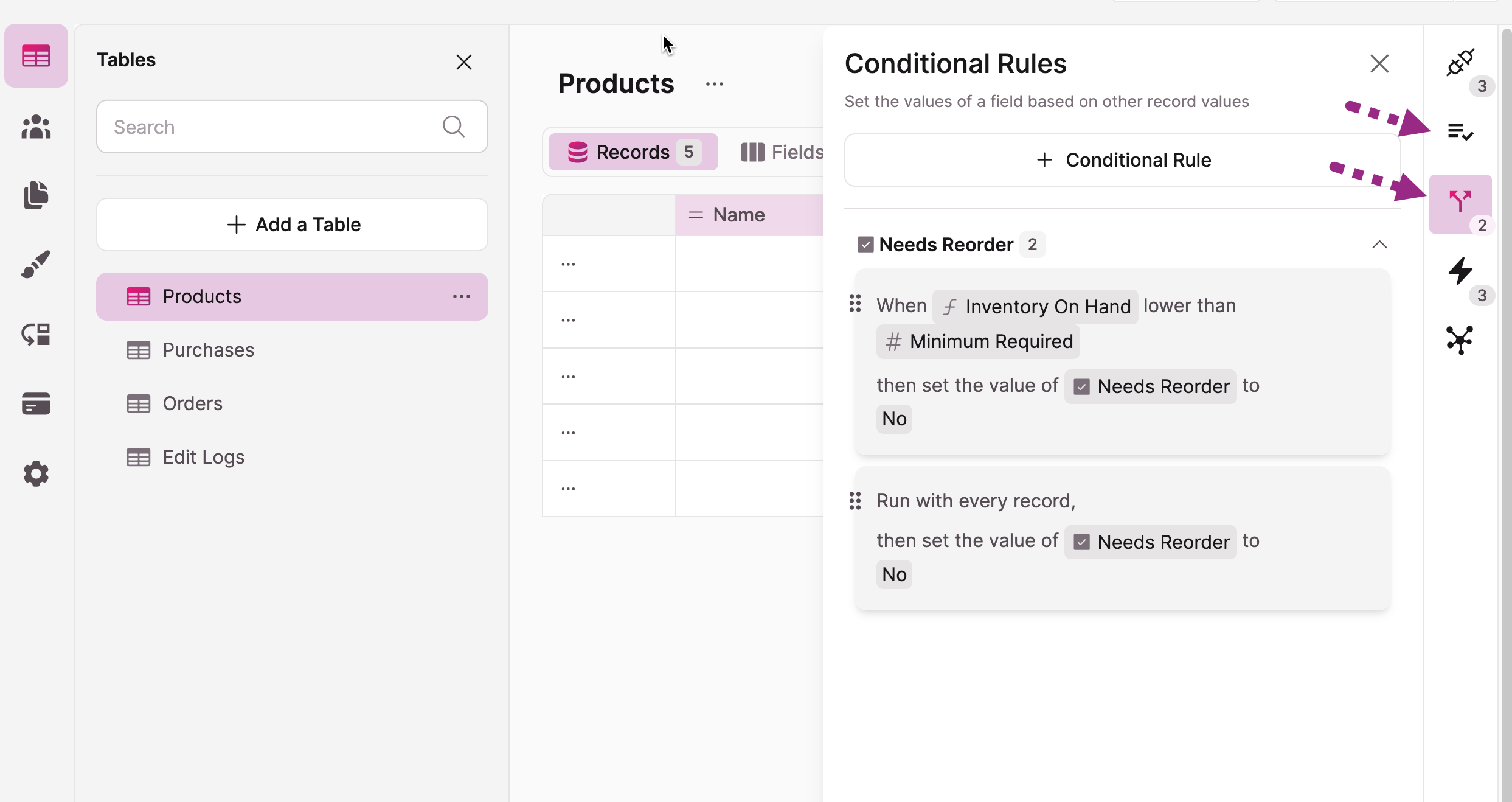
- Conditional rules to set values for fields
- Validation requirements
- Display conditions
- Input restrictions
Tasks
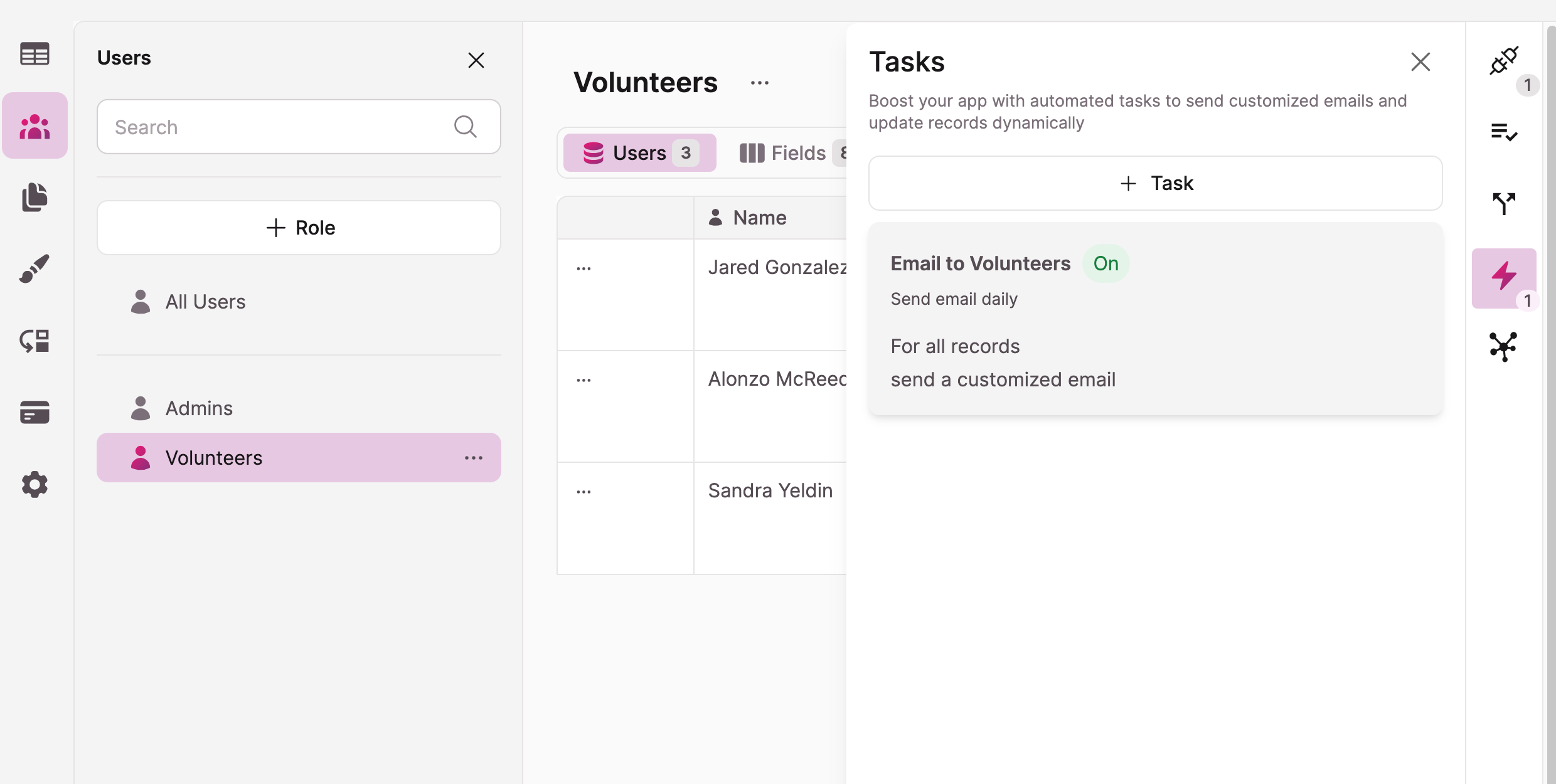
- Automate routine actions
- Schedule updates
- Set up notifications
- Create custom workflows
Data Model
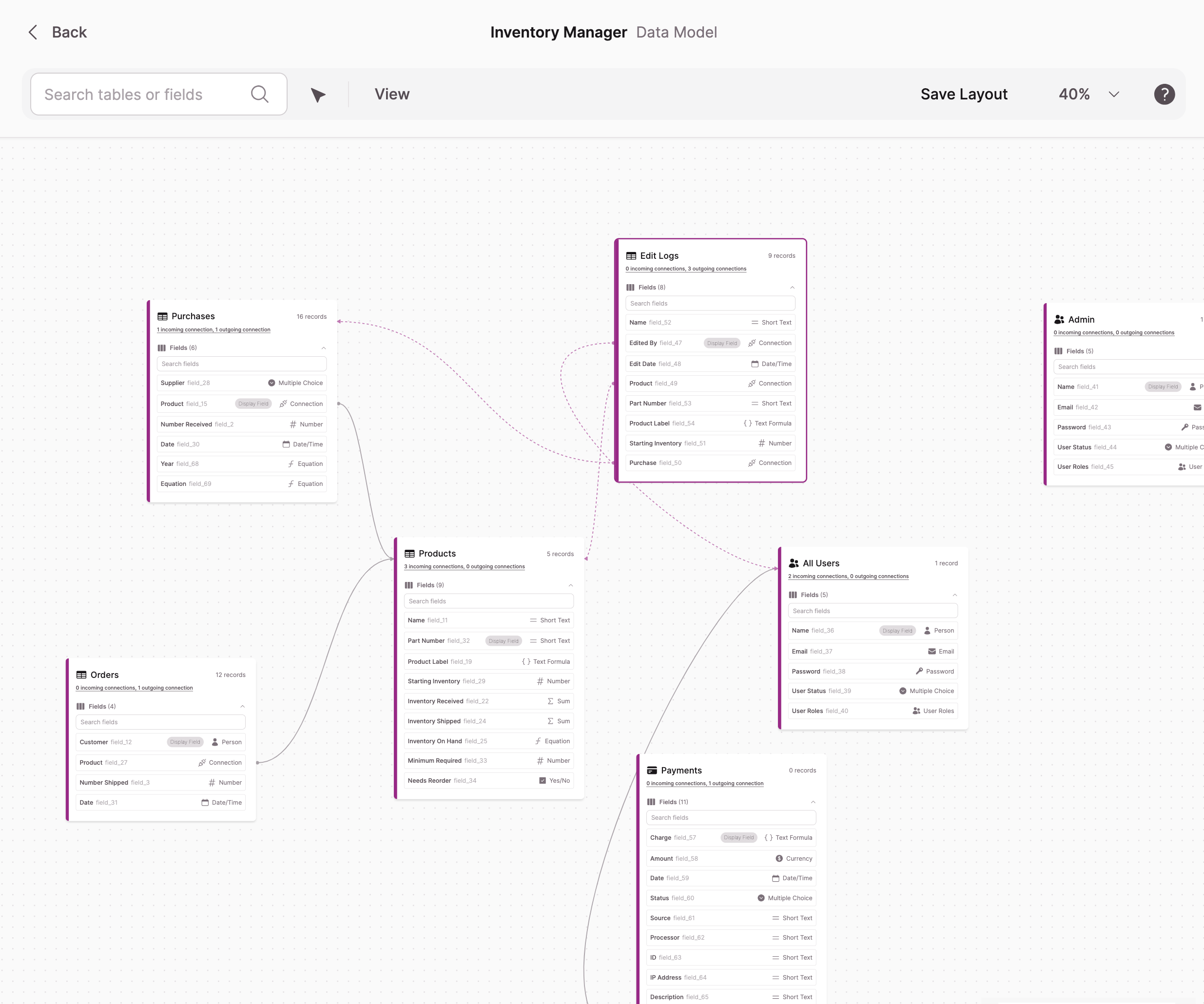
- View table relationships
- Understand data structure
- See connections visually
- Plan your database
Working with the Panel
Navigation Tips
- Click icons to switch tools
- Use the back arrow to return
- Collapse panel when needed
- Access quick actions
Common Uses
- Setting up new connections
- Creating automated tasks
- Adding field rules
- Reviewing table structure
Tip: The right panel is context-sensitive - its options change based on what you've selected in your app.
Updated 3 months ago
Did this page help you?