

Date and Time Display in Equations and Text Formulas with Multi-Timezone Enabled
When using multi-timezone functionality, you may notice unexpected date or time values in Equation fields, Text Formula fields, or Date fields when there is a mismatch between date-only and date+time configurations. This article explains why this happens and how to avoid it.
What Happens
When a Date field is configured as date-only (time not enabled), Knack stores the value internally as midnight UTC (e.g., 2026-04-29T00:00:00.000Z). This is standard behavior and works as expected in most cases.
Equations
However, if you create an Equation field with a result type of Date that includes time, and that Equation references a date-only field, Knack will apply your timezone offset to that midnight UTC value. This can cause the displayed result to shift backward — for example, April 29 becomes April 28 at 5:00 PM in the America/Los_Angeles timezone.
Similarly, if you later enable time on a date-only field that already contains data, existing values will be interpreted with the timezone offset applied to the stored midnight UTC value, which may shift the displayed date backward.
Example
- Multi-timezone is enabled, and you create a Date field (time not enabled).
- You enter a date of April 29.
- You create an Equation field referencing that Date field, with the result type set to Date (which includes time).
- The Equation displays April 28, 5:00 PM instead of April 29 — because midnight UTC on April 29 is 5:00 PM on April 28 in the Pacific timezone.
The same shift can occur if you go back and enable time on the original Date field — existing records will retroactively display the timezone-adjusted value.
Why This Happens
A date-only field does not perform any timezone conversion because the date is the same everywhere. Knack defaults the time to midnight UTC. When a date+time Equation or field interprets that value, it applies the user's timezone, which can shift the result to the previous day.
Recommended Best Practice
Keep your Date fields and any Equations that reference them configured consistently:
- If your Date field is date-only, Equation fields that reference it should also be date-only.
- If you need time-based Equation results, enable time on the source Date field before entering data.
Mixing date-only source fields with date+time Equation results will produce timezone-shifted values that may appear incorrect.
Affected Configurations
This behavior occurs when all of the following are true:
- Multi-timezone functionality is enabled on the app.
- A Date field is configured as date-only (no time).
- An Equation field referencing that Date field has its result type set to Date (which includes time), or time is enabled on the Date field after data has already been entered.
Text Formulas
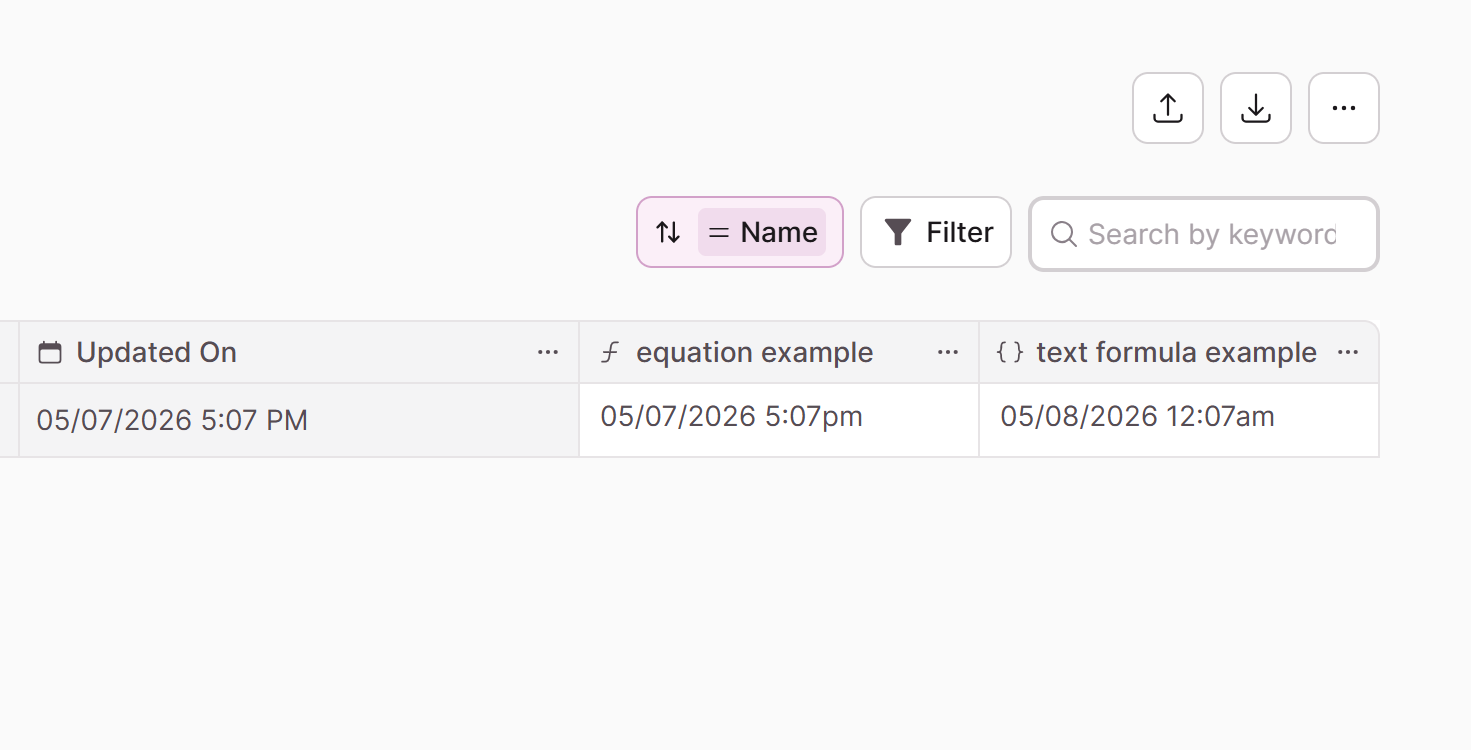
Text Formula fields save their values as plain text in the database. If your text formula references a Date/Time field, Knack calculates it from the stored date value (UTC+0) and saves the result as a text string. Because this stored text lacks date metadata, it cannot be dynamically converted to match the viewer's local timezone. If you need dates and times to adjust based on the viewer's timezone, use an Equation field configured with a Date result instead.
Recommended Best Practice
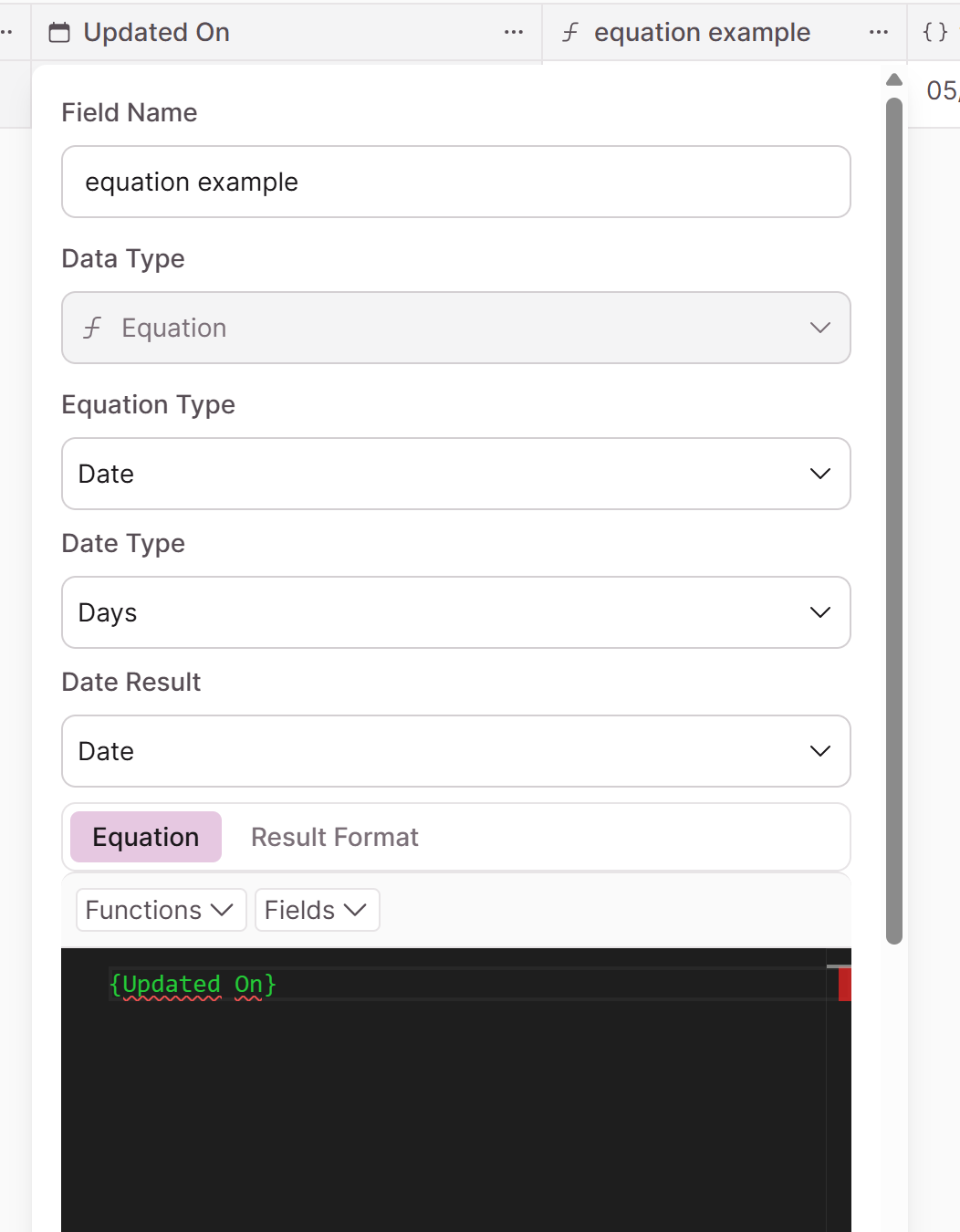
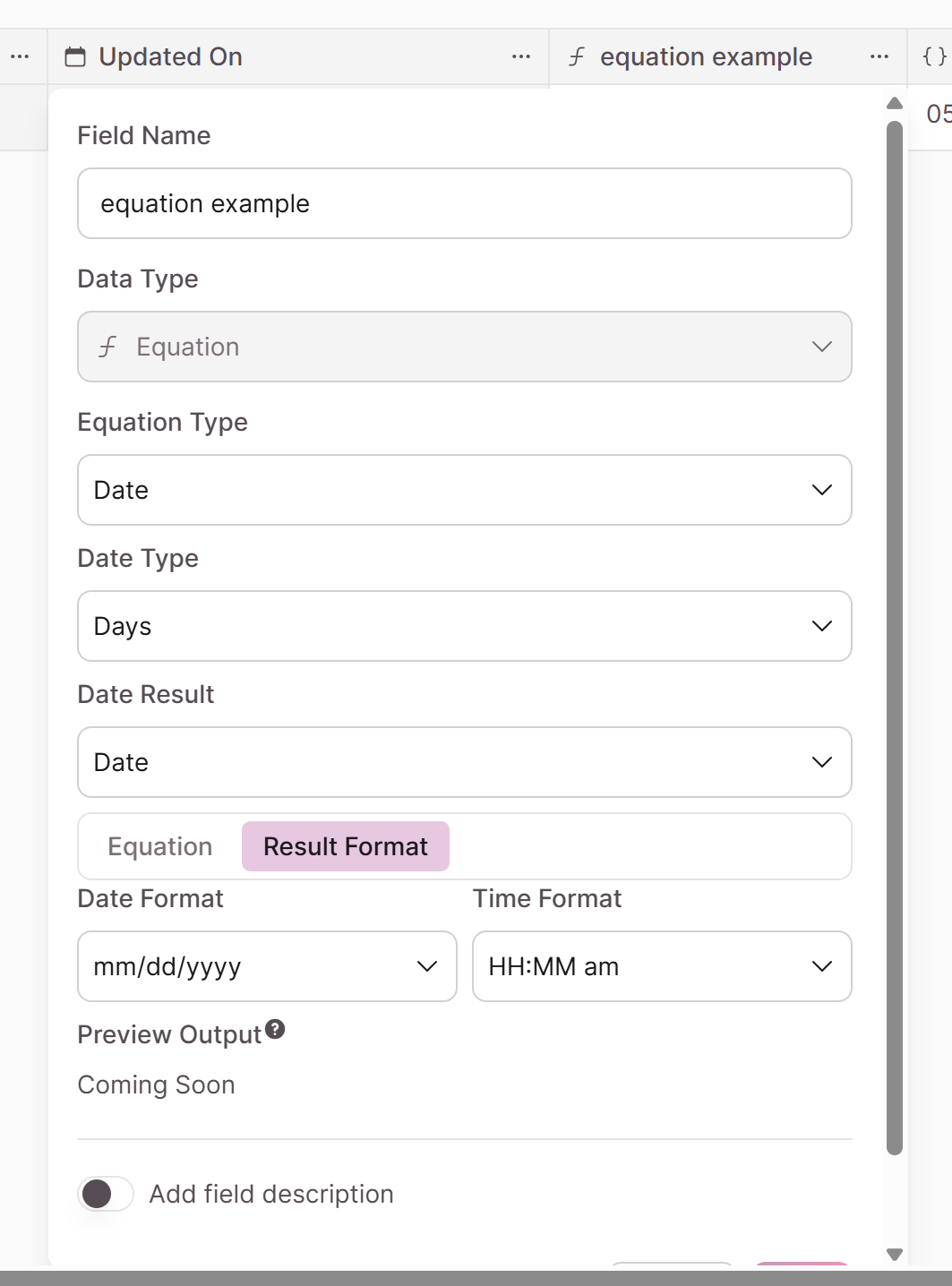
Use Equation fields instead of Text Formulas for timezone-aware display.
Expected results:
Equation field best practice set up:
Updated 5 months ago